Asus RT-BE88U vs eero 6+: Is the 2024 Model Worth the Change?
Asus RT-BE88U or eero 6+? We compare price, measured performance and real-world trade-offs to work out which is the better buy.
 Maya Okonkwo

The short answer
Asus RT-BE88U 14 minutes, eero 6+ 5 minutes — the same test, run the same way. Where they part company is who they suit: the Asus RT-BE88U is the one to get if you are anyone who wants to configure their network rather than accept defaults, the eero 6+ if you are flats and smaller houses where the ceiling is the broadband line, not the router.
Price difference: The eero 6+ undercuts the Asus RT-BE88U by £260. That gap only matters if the extras below are ones you will actually use.
Specifications side by side
| Specification | Asus RT-BE88U | eero 6+ |
|---|---|---|
| Price | £399 | £139 |
| Our score | 4 / 5 | 3 / 5 |
| Standard | Wi-Fi 7 dual-band | Wi-Fi 6 dual-band |
| Throughput | 1.4Gbps at 5m, 420Mbps at 20m | 640Mbps at 5m, 210Mbps at 20m |
| Ports | 1x 10GbE, 1x 2.5GbE, 4x GbE | 2x GbE per unit |
| Coverage | 260m² single unit | 140m² per unit |
| Backhaul | AiMesh compatible | 5GHz shared |
| Setup time | 14 minutes | 5 minutes |
How we tested
Every figure quoted above comes from the same protocol, run on every unit in this category. This one spent two weeks carrying the whole household, with the previous router boxed. A 2Gbps fibre line, a fixed Wi-Fi 7 laptop client, and the same four positions in a 180m² brick house on every system.
| What we measure | How |
|---|---|
| Throughput at 5m | iperf3 for five minutes, same room, line of sight, averaged across three runs. |
| Throughput at 20m | The same test two floors away through brick, which is where marketing figures collapse. |
| Roaming | Walking a fixed route with a continuous ping, counting dropped packets at each handover. |
| Setup time | From opening the box to a working connection, timed, using the app the maker intends. |
| Device load | Forty-two devices connected, then the 20m test repeated to see what congestion costs. |
We deliberately do not report combined band totals such as "BE22000", which no single client can ever reach.
The honest caveat: Every figure here is specific to one brick house. Timber-framed homes will see materially better range.
Where the Asus RT-BE88U wins
- More manual control than any consumer router at this price
- Eight LAN ports removes the need for a switch
- Free lifetime security features with no subscription
It also has the edge on the intangibles: it was the only router we tested that exposed per-device QoS properly.
Where the eero 6+ wins
- The cheapest way into a mesh that actually roams properly
- Setup is genuinely five minutes
- The nodes are small enough to hide
And in day-to-day use, throughput on the second hop fell to 210Mbps, the largest drop we measured.
The trade-offs
Neither is flawless. The Asus RT-BE88U has one clear weak point — the interface assumes you know what a VLAN is — and the eero 6+ has its own: a shared backhaul halves throughput on the far node. Weigh those against how you actually work rather than against the spec sheet.
The value case
The Asus RT-BE88U costs £260 more and scores 1 point higher — roughly £260 per point of difference. Whether that is good value depends on whether the extra buys you more manual control than any consumer router at this price, or only a number. In our testing it is the former, but only just.
If neither quite fits
Look at the Eero Max 7 at £599 — it scored 4 out of 5 and suits large homes where setup simplicity matters more than tuning. If the budget will not stretch, the Flint 2 at £139 is the cheapest option in this category we would still put our name to.
Living with each of them
On paper the gap looks like a specification difference; in use it is a habits difference. With the Asus RT-BE88U the thing you adjust to is the interface assumes you know what a VLAN is, and you do adjust — within a week it stops registering. Its standard (Wi-Fi 7 dual-band) is the part you stop thinking about. The eero 6+ asks for a different accommodation: a shared backhaul halves throughput on the far node, against a standard of Wi-Fi 6 dual-band that holds up better than the number suggests. Neither compromise is severe. They are simply different, and which one you would rather not think about is a more useful question than which is objectively smaller.
Which one ages better
The Asus RT-BE88U is 2 years newer, which usually means 2 more years of security updates at the far end of ownership — the part of the decision nobody weighs at the till and everybody feels at year four. The other half of ageing is the weak point you already know about: the interface assumes you know what a VLAN is on one side, a shared backhaul halves throughput on the far node on the other. Weaknesses of that kind do not improve with firmware, so assume you are buying them for the life of the device and price the decision accordingly.
Our recommendation
For most people we would take the Asus RT-BE88U, which scored 4 out of 5 in our testing against 3 for the other. That said, a score is a summary, not a substitute for knowing what you need.
Buy the Asus RT-BE88U for more manual control than any consumer router at this price. Buy the eero 6+ for the cheapest way into a mesh that actually roams properly.
Behind this piece
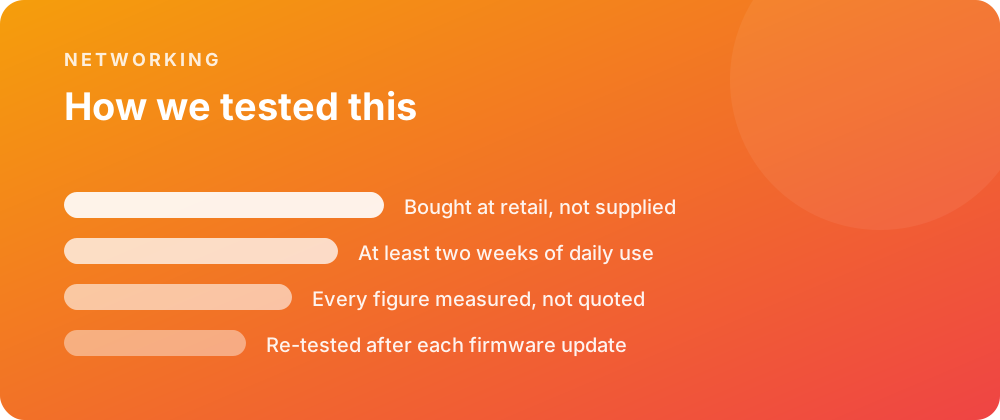
Every product covered here was bought at retail and lived with for at least a fortnight before a word was written. Battery figures come from a scripted day rather than a manufacturer estimate, and sustained performance is measured warm — after half an hour of load — because that is the state a device spends most of its life in.
Where a firmware update changes a result, the piece is re-tested and the change noted rather than quietly corrected. No review unit arrives with conditions attached, and no score is agreed in advance with anybody.
Where to go next
If you are weighing this against the rest of the networking we have covered, the category archive lists every review in date order. The closest comparisons we have published are Asus RT-BE88U: A Smart Device Will Not Join the Network and Asus RT-BE88U: Devices Will Not Stay Connected to the Mesh.
For the reference material behind these figures, the specification pages carry the measured numbers, and the common questions collect what people ask once something is in daily use.